On this page
How to change your nickname in Free Fire
- Create your nickname above and tap it to copy.
- Open Free Fire and tap your profile.
- Tap the edit icon next to your name.
- Paste and confirm with a Name Change Card or diamonds.
Symbols players love
| Symbol | What players mean | Example |
|---|---|---|
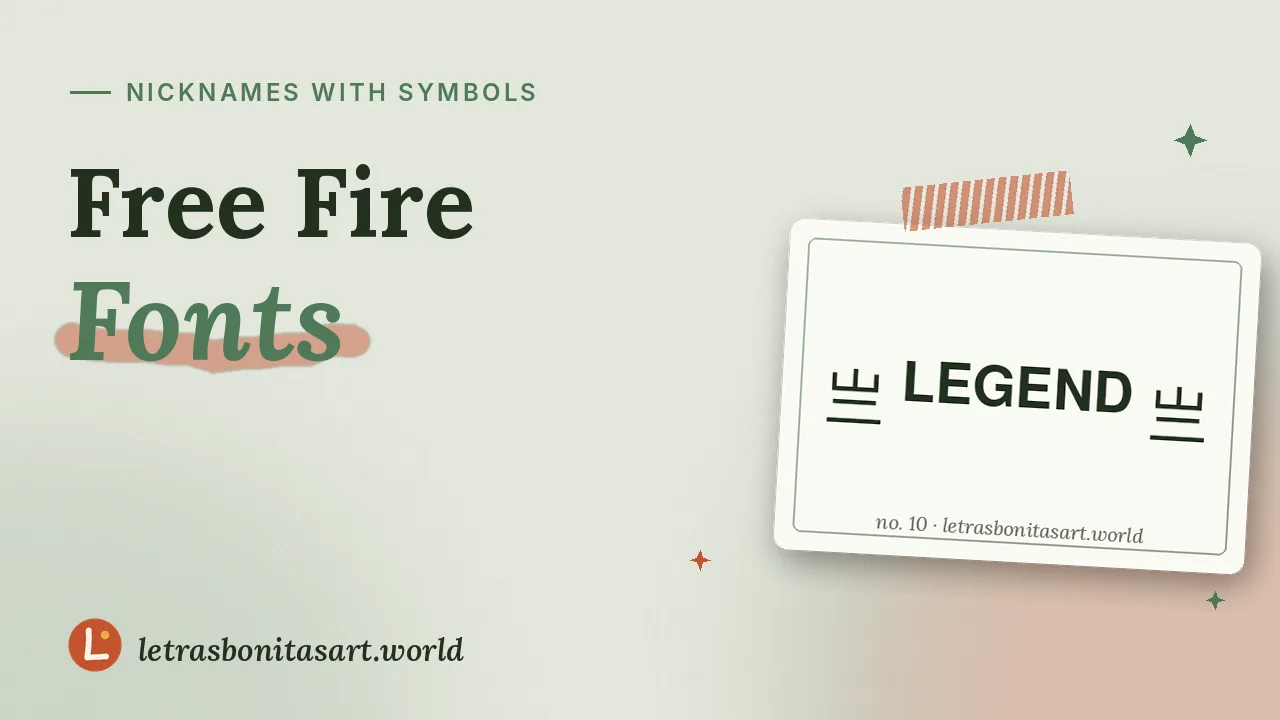
| ꧁ ꧂ | Wings, a legend's aura | ꧁༺ 𝓛𝓮𝓰𝓮𝓷𝓭 ༻꧂ |
| 亗 | King of the map | 亗 𝗞𝗜𝗡𝗚 亗 |
| ▄︻デ══━一 | Sniper rifle | ▄︻デ 𝐀𝐈𝐌 ══━一 |
| ×͜× | Ninja, silent player | ×͜× 刀ノ刀フム ×͜× |
| ঔৣ☬✞ | Sacred cross | ঔৣ☬✞ 𝕬𝖓𝖌𝖊𝖑 ✞☬ঔৣ |
| ✓ | Verified look | 𝗟𝗲𝗼 ✓ |
How to stay within the nickname limit
Free Fire keeps nicknames short, and some symbols take more space than a normal letter. To make yours fit:
- Choose short frames like 亗, ✓ or 乂 rather than long ones like ꧁༺ ༻꧂.
- Keep the name itself to 4 to 6 letters.
- Use Small Caps or Tiny Superscript, which take less room visually.
- If the game refuses, remove one symbol at a time and try again.
Blank spaces in your nickname
To separate symbols without a normal space, use the blank "ㅤ" from the invisible text tool. Updates sometimes block fully blank names, so keep at least a few visible letters.
Looking for name ideas?
Browse more than 300 original ideas sorted by theme in Free Fire names, from cool to mythology.
Questions artists ask
How long can a Free Fire nickname be?
Free Fire allows short nicknames, and special symbols can count as more than one character. If yours is rejected, shorten the frame or the name.
Why won’t Free Fire accept my symbol?
Some characters are filtered by the game. Swap it for another style from the generator and try again.
Is changing my name free?
It usually needs a Name Change Card or diamonds. Events sometimes give cards for free.
How do I add a space in my nickname?
Use the Hangul Filler blank (U+3164) from the invisible text tool.

Founder and editor of Letras Bonitas Art. Builds the tools and writes the guides on this site for artists who letter on screens. How we review our pages.