On this page
How to change your TikTok name font
- Copy a style from the generator above.
- In TikTok, open Profile › Edit profile › Name.
- Paste and save.
Your username does not accept special characters, so keep the @ simple and put the style in your name.
Where fancy letters work on TikTok
| Spot | Works? | Suggestion |
|---|---|---|
| Name | Yes | Bold Sans or Small Caps |
| Username (@) | No | Letters, numbers, periods, underscores |
| Bio | Yes | Aesthetic frames, small symbols |
| Caption | Yes | Only on the hook line |
| On-video text | Not needed | Use the editor's own fonts |
Caption hooks for art videos
The first line decides whether people stay. Try a styled hook, then explain in plain words so search understands the video.
Styles that suit TikTok
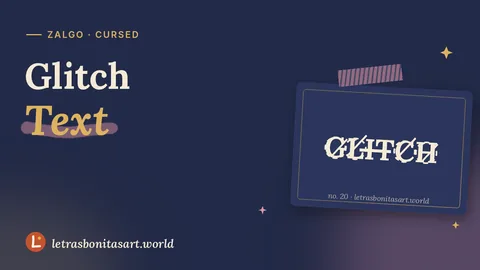
- Light Glitch: suits horror art, edits and transitions. More in glitch text.
- Vaporwave Wide: a classic for chill edits and lo-fi painting.
- Upside Down: perfect for humor and "flip it" trends.
- Black Bubble: strong on a dark background, great for short names.
Keep it findable
Hashtags must stay plain. Heavy glitch can be cut by the app or look like spam, so keep it to one or two words.
Questions artists ask
Can I use fancy fonts in my TikTok username?
No. Usernames take only letters, numbers, periods and underscores. Use the fonts in your Name.
Do styled captions get fewer views?
Fully styled captions are harder for search to understand. Style the hook and keep keywords plain.
Which font works best for a TikTok name?
Bold Sans and Small Caps stand out and stay readable on small screens.

Founder and editor of Letras Bonitas Art. Builds the tools and writes the guides on this site for artists who letter on screens. How we review our pages.