On this page
The strangest styles in the studio
| Style | Example | How it works |
|---|---|---|
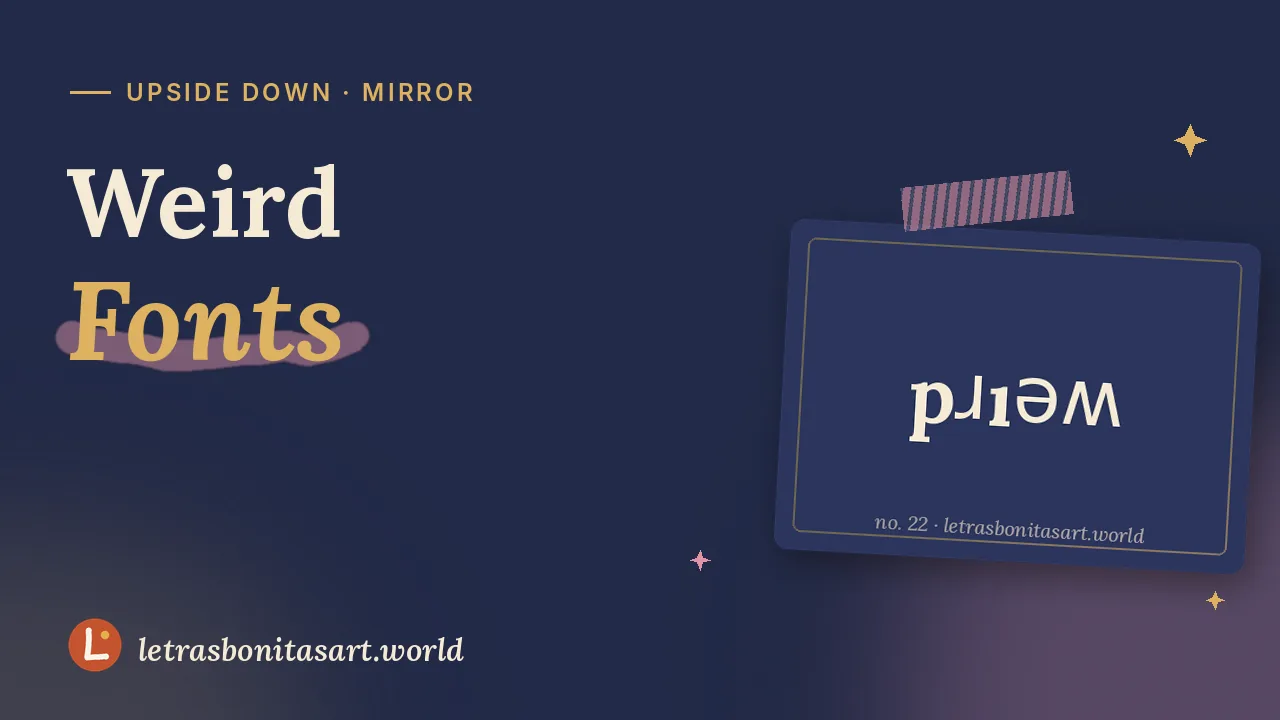
| Upside Down | pɹᴉǝʍ | Swaps letters for rotated look-alikes and reverses order |
| Mirror Text | bɿiɘw | Uses letters that look reflected |
| Braille | ⠺⠑⠊⠗⠙ | Converts to 6-dot braille |
| Morse Code | .-- . .. .-. -.. | Dots and dashes per letter |
| Viking Runes | ᚹᛖᛁᚱᛞ | Elder runic look-alikes |
| Leet | 3|_173 | Numbers for letters |
Is the braille here accessible?
Digital braille shows how a word looks in braille. Blind readers use embossed braille or refreshable braille displays that convert normal text automatically. To include blind readers, write in plain text. Learn more in fancy text and accessibility.
Playful ideas for artists
- Surreal captions: flip the title of a dream-like piece.
- Hidden messages: put a Morse line in a corner of your artwork for fans to decode.
- Alien worlds: label sci-fi maps with Yi Fantasy or Ethiopic Exotic letters.
How to read upside-down text
Rotate your phone 180 degrees. The letters are close look-alikes of the originals, turned around, so reading feels natural.
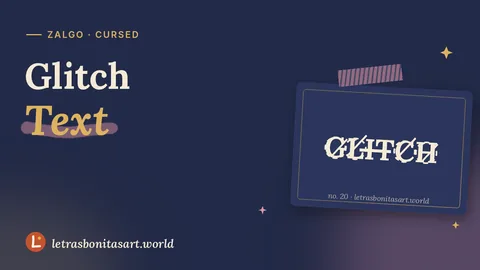
Want more oddities? Try glitch text and invisible text.
Questions artists ask
How do I type upside down?
Type your text and copy the Upside Down style. It flips the letters and reverses their order so it reads correctly when rotated.
Can it translate to Morse code?
Yes. Letters and numbers become dots and dashes, with / between words. Accents are dropped because international Morse ignores them.
Is the braille accessible?
It shows braille patterns, but blind readers rely on plain text that their devices convert. Keep messages plain.

Founder and editor of Letras Bonitas Art. Builds the tools and writes the guides on this site for artists who letter on screens. How we review our pages.